Software
Imaris 11.1 Release
Empower Researchers with Guided Learning and Independent Image Analysis
Built-in training resources, practical datasets, and guided workflows help users learn faster and reduce dependence on facility staff.
Software
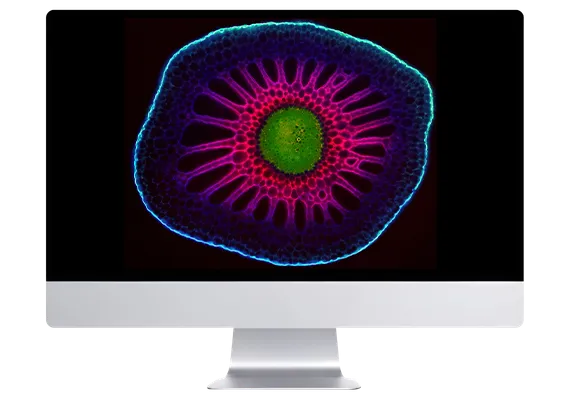
Imaris 11.1 introduces the new Imaris Training Hub, a built-in learning environment designed to help researchers become proficient with image analysis faster and more independently. From short tutorials and guided workflows to real datasets and application-focused examples, users can learn, practice, and explore without leaving Imaris.
Running a microscopy core facility or bioimaging center comes with a familiar bottleneck: onboarding newcomers, fielding repetitive introductory questions, and sinking valuable staff hours into basic software walkthroughs instead of high-level experimental consultation.
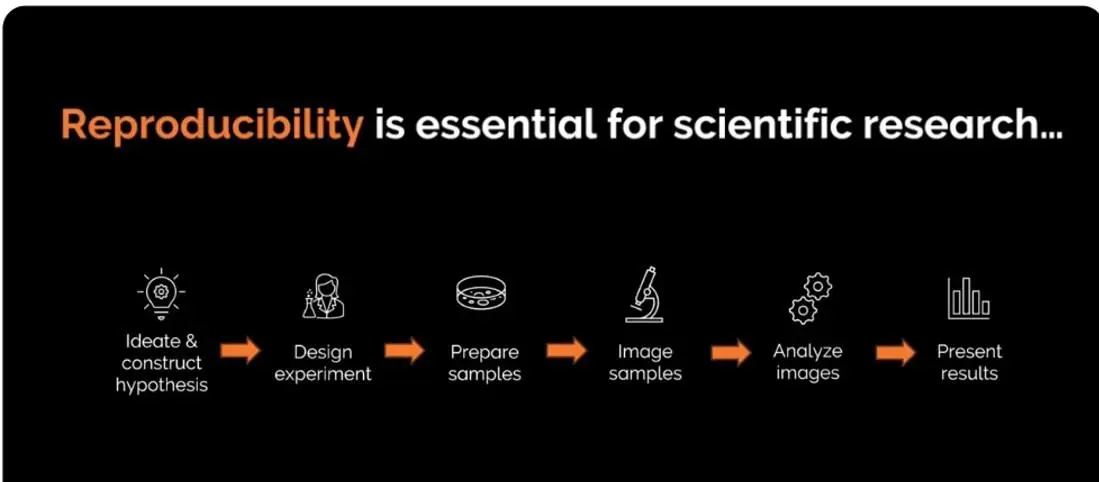
The Imaris Training Hub shifts that dynamic.
By embedding hands-on tutorials, reference datasets, and guided workflows directly inside Imaris, researchers acquire baseline proficiency autonomously. They troubleshoot routine analysis independently and step up to complex quantification with confidence.
View BrochureThe Imaris Training Hub is organized around the way researchers actually learn, and it is integrated directly into Imaris. Users can browse workflows, download datasets, watch tutorials, and access supporting materials without switching between websites, training portals, and documentation pages. Everything is available in the same environment where the work happens.
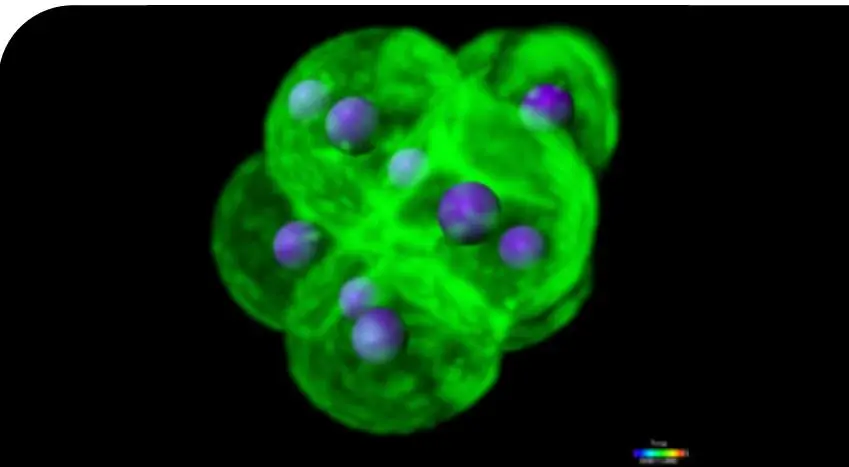
Getting started with Imaris
New to Imaris? Start with short tutorials covering
navigation, visualisation, image preparation, and
basic object detection.
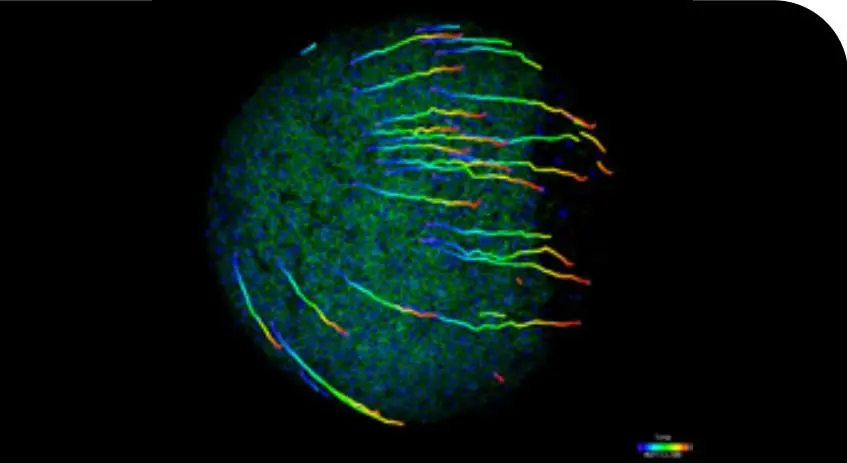
Frequently used Workflows
Step-by-step examples for common analysis
tasks such as spot detection, surface creation,
tracking, colocalisation, and quantification.
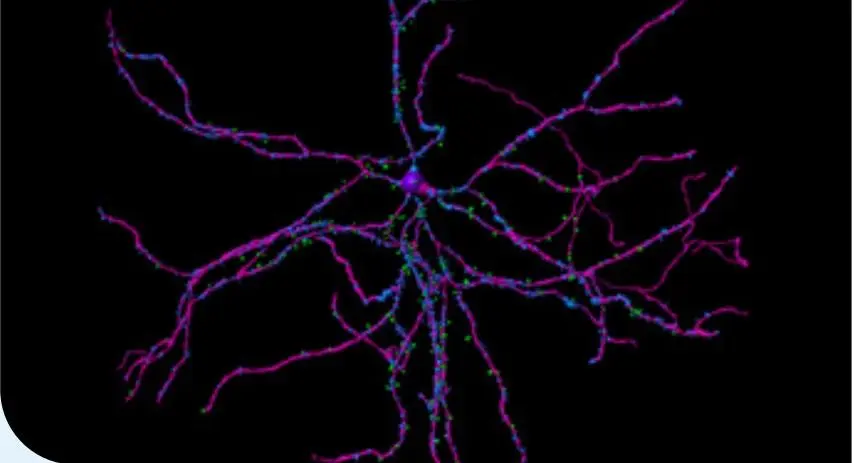
Application-focused examples
See how Imaris can be applied to common
research questions in areas such as
neuroscience, cell biology, live-cell imaging,
and organoid research.
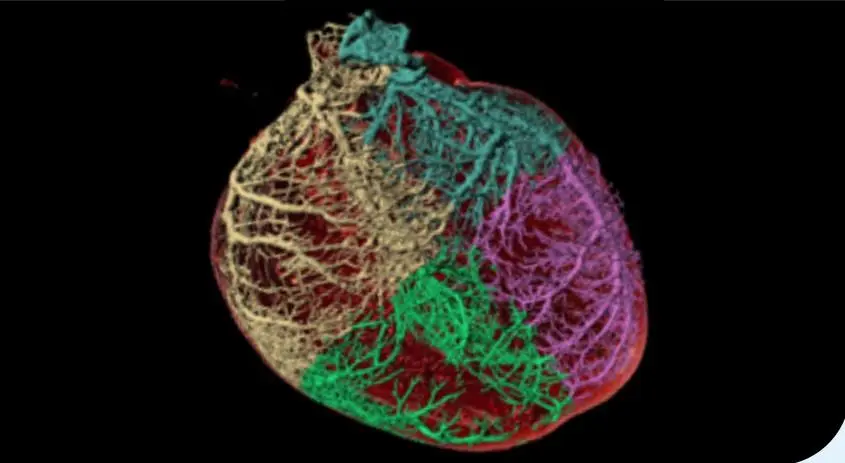
Advanced and creative Workflows
Explore more specialised approaches for
challenging datasets and unconventional
analysis problems.
Imaris 11.1 also introduces several improvements designed to make your everyday work easier. Official native support for .czi file ingestion in Imaris and Imaris File Converter, ensuring accurate, high-speed conversion into .ims for downstream visualization.
New search, sorting, and media management capabilities in Imaris Arena make it easier to organize and access datasets, workflows, videos, and documents.
Imaris Viewer now allows users to view the workflows applied to a dataset, making it easier to understand how your results were generated and shared across teams.
Get direct access to technical and application support via dedicated UI shortcuts within the software. (*requires active maintenance contract).
Direct in-software access to live expert webinars, online training sessions, and on-demand session libraries through direct integration with Imaris Connect.
Explore the Complete Imaris 11.1 Release Notes
Learn more about all new features, enhancements, and workflow improvements introduced in Imaris 11.1.
View Release NotesInterested in Imaris 11.1?
Connect with our experts to explore the latest features, discuss your imaging challenges, and discover how Imaris can support your research workflows.

© Oxford Instruments 2026